
A game can load on a phone and still be awkward to read. A close button may sit near the edge, a number may shrink beside an animation, or the page may move when you meant to tap. A mobile social casino session begins more comfortably with a look at the screen before the first action.
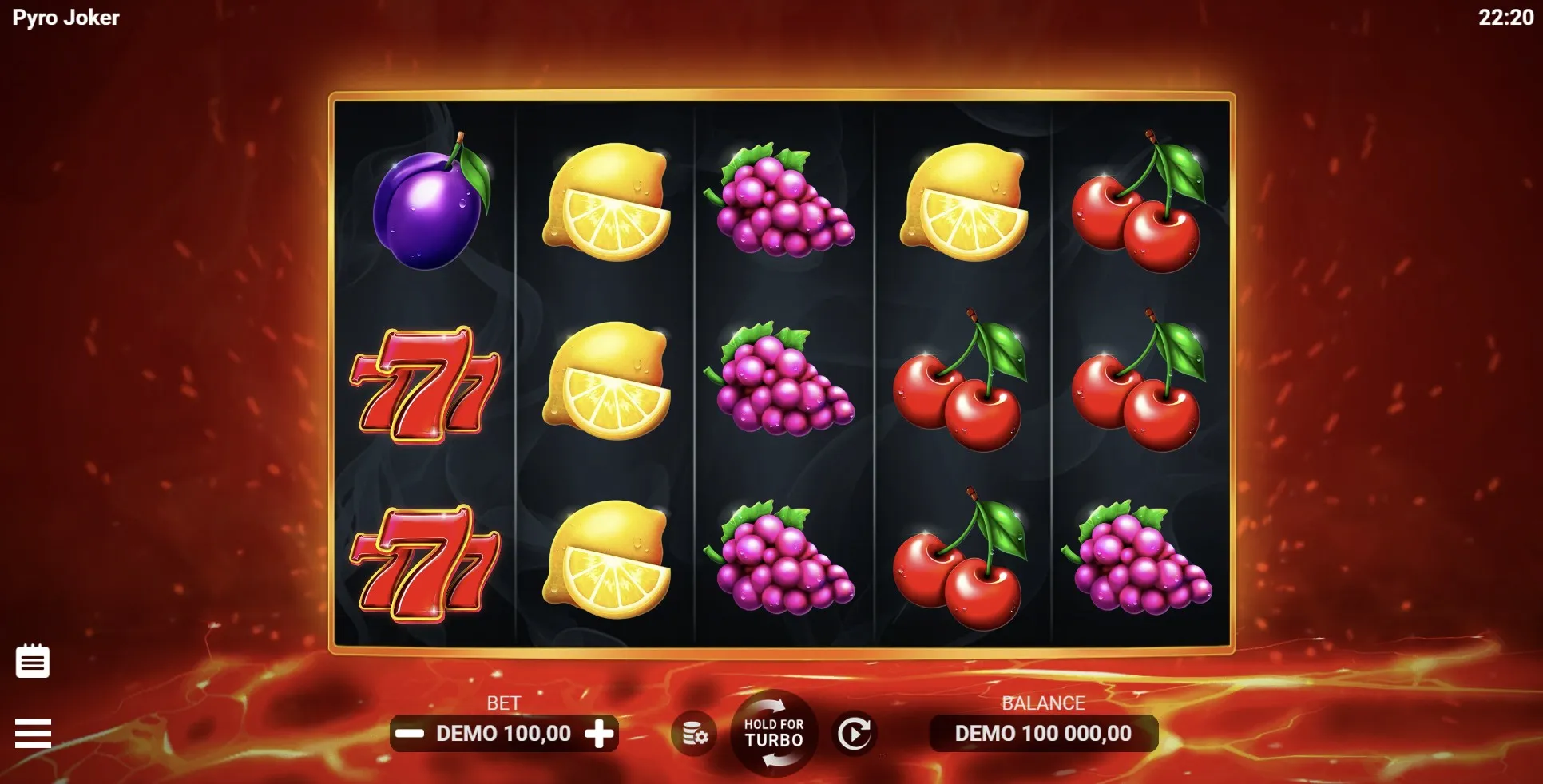
Check the page and the game
First notice where the website ends and the embedded game begins. The site menu may remain above the game while the game has its own help, sound and full-screen controls. A page can resize correctly even when text inside the game remains small.
Before starting, try the orientation that makes the labels easiest to read. Let the layout settle after turning the phone. If browser zoom helps the page but not the embedded game, do not keep enlarging it until important controls disappear. A mobile social casino should be usable without memorising where a partly hidden button sits. When the layout stays unclear, returning later on a larger screen is a reasonable choice.
A quick view check
- Keep the whole active control visible, including its label.
- Look for a clear way to close help and settings panels.
- Check that the browser bar has not covered useful information.
- Make sure a resting thumb will not trigger another action.
Read before reaching
Find the rules before learning the fastest route to the main button. You need to distinguish the balance, round amount and result without relying on colour alone. If a number seems ambiguous, the coin counter article explains the questions to ask. Comfortable reading is the aim; being able to tap quickly does not tell you whether you understand what that tap changes.
| What you notice | What to check |
|---|---|
| Small rules text | Orientation and available reading controls. |
| Hidden close button | Whether the panel fits the current view. |
| Unexpected sound | Game sound and device volume separately. |
| A moving page | Whether the last tap reached its target. |
Sound is another separate layer. A game’s mute control and the phone’s volume setting may do different jobs, so check both before playing near other people. A mobile social casino can have a lively presentation, but your setup should still let you follow an action without feeling pushed to start the next one.
- Open the help panel and read the main control labels.
- Adjust available sound or display settings before a round.
- Close the panel and check the selected round amount again.
- Use a deliberate tap, then wait for the action to finish.
Handle interruptions calmly
A message, a call or an accidental page movement can break your attention. On returning, inspect the display before touching the main control again. An animation that seems still may be waiting on the connection, while another screen may already show a completed result. Avoid repeated taps as a way to test what happened. If the state remains unclear, stop and consult the game’s help rather than adding more uncertain actions.
Reloading is not a universal pause button. Before relying on a return visit, read any available information about accounts, browser storage and saved progress. Do not assume a private tab, a different browser or a second phone will show the same state. A mobile social casino session is easier to leave when the decision to stop rests on your time and attention, rather than on a promise that every counter will be waiting unchanged.
Sharing the phone brings an extra reason to slow down. Finish the current action, explain any setting you changed, and ask before handing over control. The guide to evenings without scorekeeping offers ways to make watching equally welcome. If everyone has to lean in or keep asking what a label says, the screen may be a poor fit for that gathering.
Author’s opinion
I would judge a phone game by how clearly I can read its quiet moments, not by how impressive an animation looks. For me, a visible close button, understandable labels and an easy stopping point matter most. If I have to fight the layout or guess whether a tap registered, I would put the phone down. A short leisure break should leave room for attention, rather than demand all of it.